TomWM is Tom’s opinionated macOS Window Manager, a dynamic tiling window manager for macOS in the spirit of dwm.
Source code on GitHub | Download the latest release
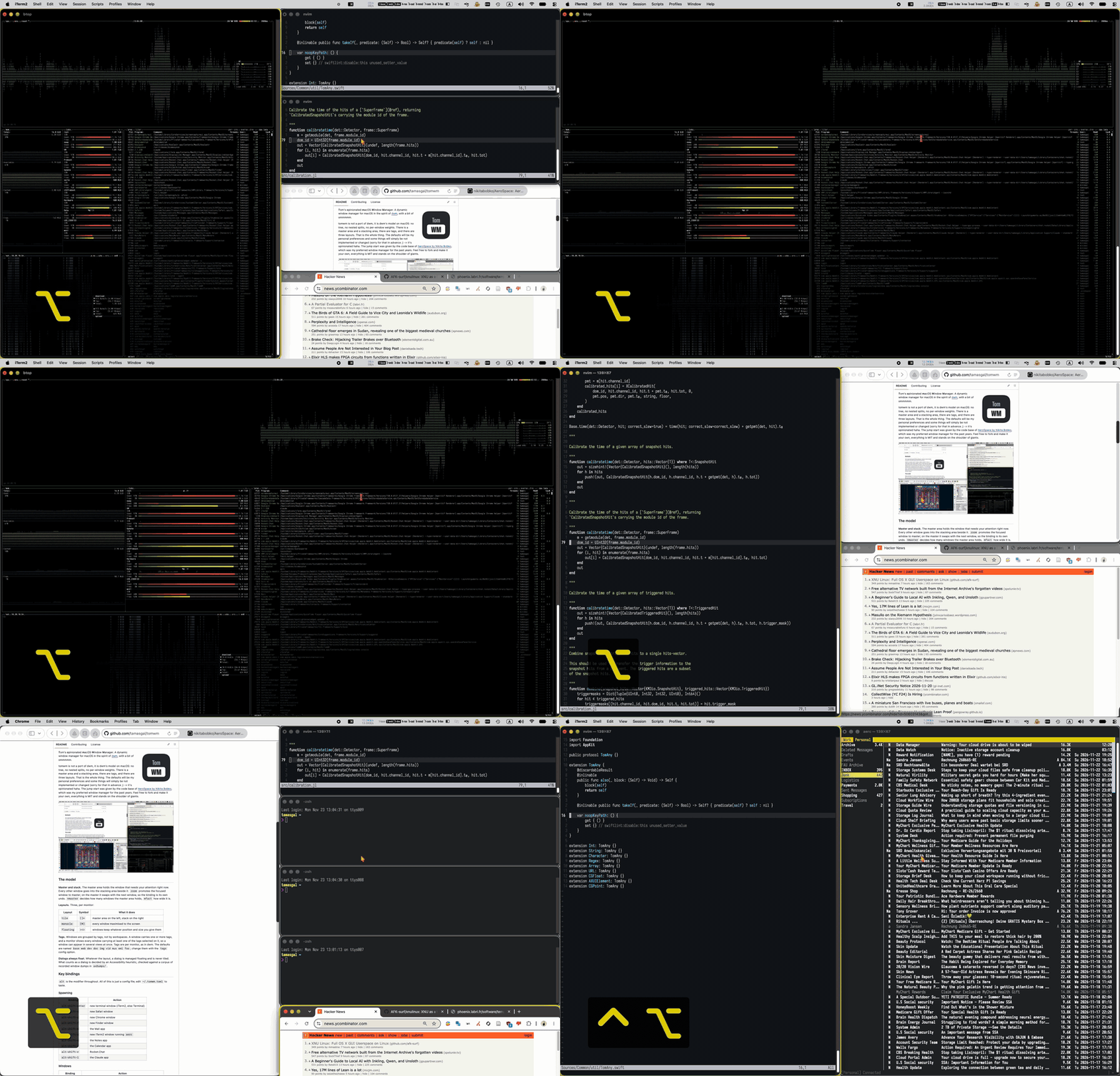
It is not a port of dwm, it is dwm’s model on macOS: no tree, no nested splits, no per-window weights. There is a master area and a stacking area, there are tags, and there are three layouts. That is the whole thing.
The jump start was given by the code base of AeroSpace by Nikita Bobko, which was my preferred window manager for years. TomWM keeps its plumbing (Accessibility API layer, config system, CLI) and replaces the i3-style tree with dwm’s client model.
Features
- Master and stack:
zoompromotes the focused window to master,nmasterandmfactcontrol how many windows the master area holds and how wide it is - Three layouts per monitor:
tile([]=),monocle([M]) andfloating(><>) - Tags instead of workspaces: a window can carry several tags and show up in several views
- Dialogs always float
- A dwm style tag bar in the macOS menu bar
- Plain TOML configuration and a
tomwmcommand line tool
Installation
Download TomWM-vX.Y.Z.zip from the releases page,
unzip it and move TomWM.app to /Applications. macOS 13 or newer is required.
The app is not notarized, so remove the quarantine flag once after downloading:
xattr -d com.apple.quarantine /Applications/TomWM.app
On first launch, grant TomWM the Accessibility permission. More details are in the README.